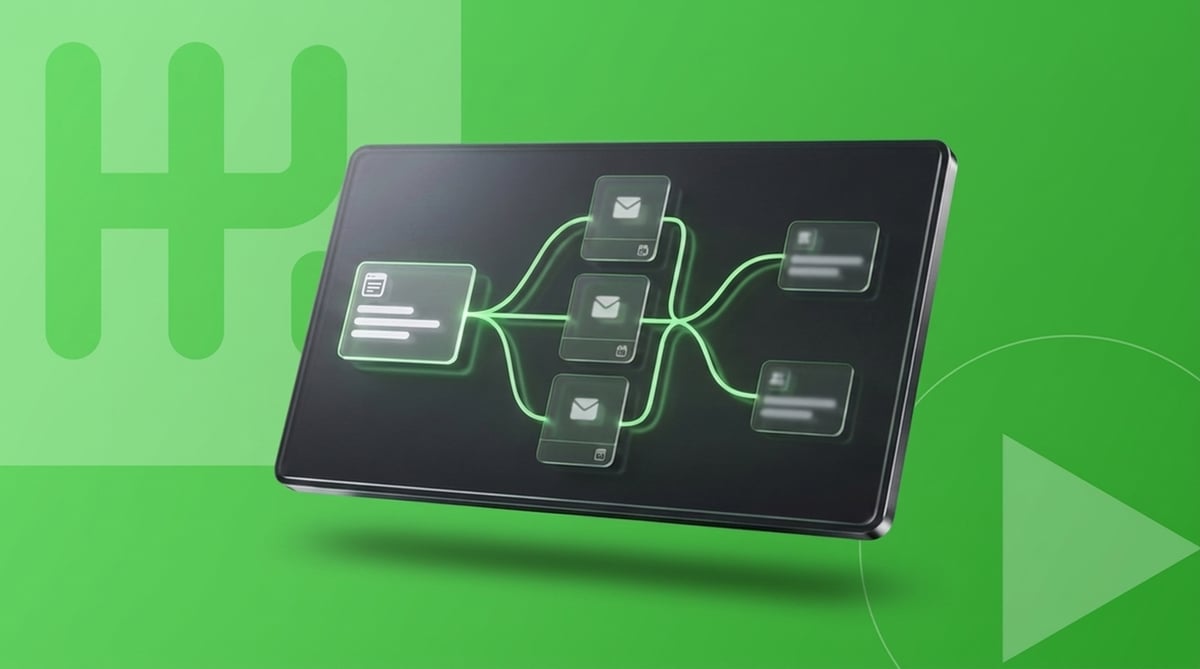
Every event you run in HubSpot needs the same 5 emails. A confirmation, a reminder a week out, another the day before, join details on the morning, then a follow-up, which is really two emails because the people who turned up and the people who didn’t shouldn’t get the same one.
None of these are hard to build. I want to be clear about that upfront. The build is easy. The problem is you do it again for every single event, and that’s the bit this post is really about.
I’ve set this sequence up in a lot of client portals over the years. Here’s how the whole thing works with native HubSpot workflows, and where it falls over.
The emails are one layer. For everything around them, there’s the guide to HubSpot event management.
What counts as automated
Before you touch a workflow it’s worth agreeing what automated actually means, because I’ve watched teams describe a process as automated while someone was exporting a CSV in the middle of it.
For most teams the bar is something like this: a form submission marks the contact as registered on the event, a confirmation lands within a minute with a calendar link in it, reminders go out a week before, a day before and an hour before, and afterwards attendees get the recording while the no-shows get a different email. If a human has to export a list at any point, that’s delayed admin wearing an automation costume.
Step 1: capture the registration
Build your registration form, then create a contact-based workflow that triggers on the submission. There’s an action called Add participant to marketing event. Pick your event, set the stage to Registered, done.
That’s the short version anyway. The longer one, which covers what happens when your events sync in from Zoom or Eventbrite and this action doesn’t work, is in this guide to auto-registering contacts from a form.
Step 2: the confirmation
The confirmation is just a Send email action straight after the registration step, same workflow.
The email itself matters more than the workflow here. Put the date, time and timezone in the first line, because that’s what people are scanning for, and get an add-to-calendar link in there. If the event isn’t sitting in someone’s calendar, attendance is basically a coin flip.
Step 3: reminders
This is where native HubSpot gets awkward.
You want absolute date delays rather than relative ones. So: delay until 14 July, send the week-out email, delay until 20 July, send the day-before one. The reason is late registrants. Someone who signs up 2 days before the event skips past the week-out email instead of receiving it after the event has already happened, which relative delays will cheerfully do.
But look at what you just did. You typed the event’s date into the workflow. HubSpot doesn’t give workflows any way to read the date off a manually created Marketing Event, so the timing has to live inside the delay steps themselves. Next event, you clone the workflow and re-key every date by hand, and if you get one wrong a reminder goes out at 3am, or a week after everyone’s gone home. I’ve seen both. The 3am one at least gave everyone a laugh.
Step 4: attendance and the follow-up
After the event you mark who attended. Zoom pushes attendance through automatically if the webinar synced from there. In-person, you’re importing a check-in list against the event, or scanning QR codes on the door if you’ve got the tooling for that.
Then the follow-up branches on participant state. Attendees get the recording, the slides, and whatever you want them to do next: a demo, another event, a piece of content. No-shows get a shorter one. Sorry we missed you, here’s the recording, here’s the next date.
I’d push back hard on any team wanting to skip the no-show email. Around half your registrations for a typical webinar sit in that branch, and these are people who were interested enough to sign up. Ignoring them means ignoring half the list you just spent weeks building.
Then the next event
Everything above works. Once.
For the next event you reconnect the form, clone the workflows, copy 5 emails and swap the details in, re-key every date delay, test all the links, and fix whatever quietly broke during the cloning. About 2 hours, assuming nothing actually goes wrong. Run 10 events a month and you’re at 20 hours a month, something like 240 hours a year, all of it spent copying things that already exist. And that’s the good version. The bad version is the wrong join link going out to 400 registrants because someone missed a swap.
What we did about it
We built EventEngine because I got tired of rebuilding this exact sequence.
The core change is a registration record. Every signup creates a dedicated object that links the contact to that specific event and carries the event’s date around with it. Once workflows can read the event date as a property, reminders get computed relative to it and the hard-coded delays go away. One reminder workflow, every event, forever.
Everything else hangs off the same record. A single shared registration form across all your events. Confirmations, reminders and follow-up firing from the registration itself. Attendance flowing back in, including QR check-in on the day. When you create a new event it inherits the lot, so event 50 runs on the same rails as event 1.
Which to build
If you run a handful of events a year, build the native version. It works, it’s covered by what you’re already paying HubSpot, and 2 hours of setup per event won’t kill you at that volume.
At real volume the maths flips, and all that rebuilding costs more than tooling that removes it.
Either way, here’s the standard I’d hold: from the moment someone hits submit, no human touches that registration again until the follow-up lands.
If your team’s week is going on re-keying reminder dates, take a look at EventEngine. There’s an interactive demo if you want to poke around before talking to anyone.